2.47.0
General
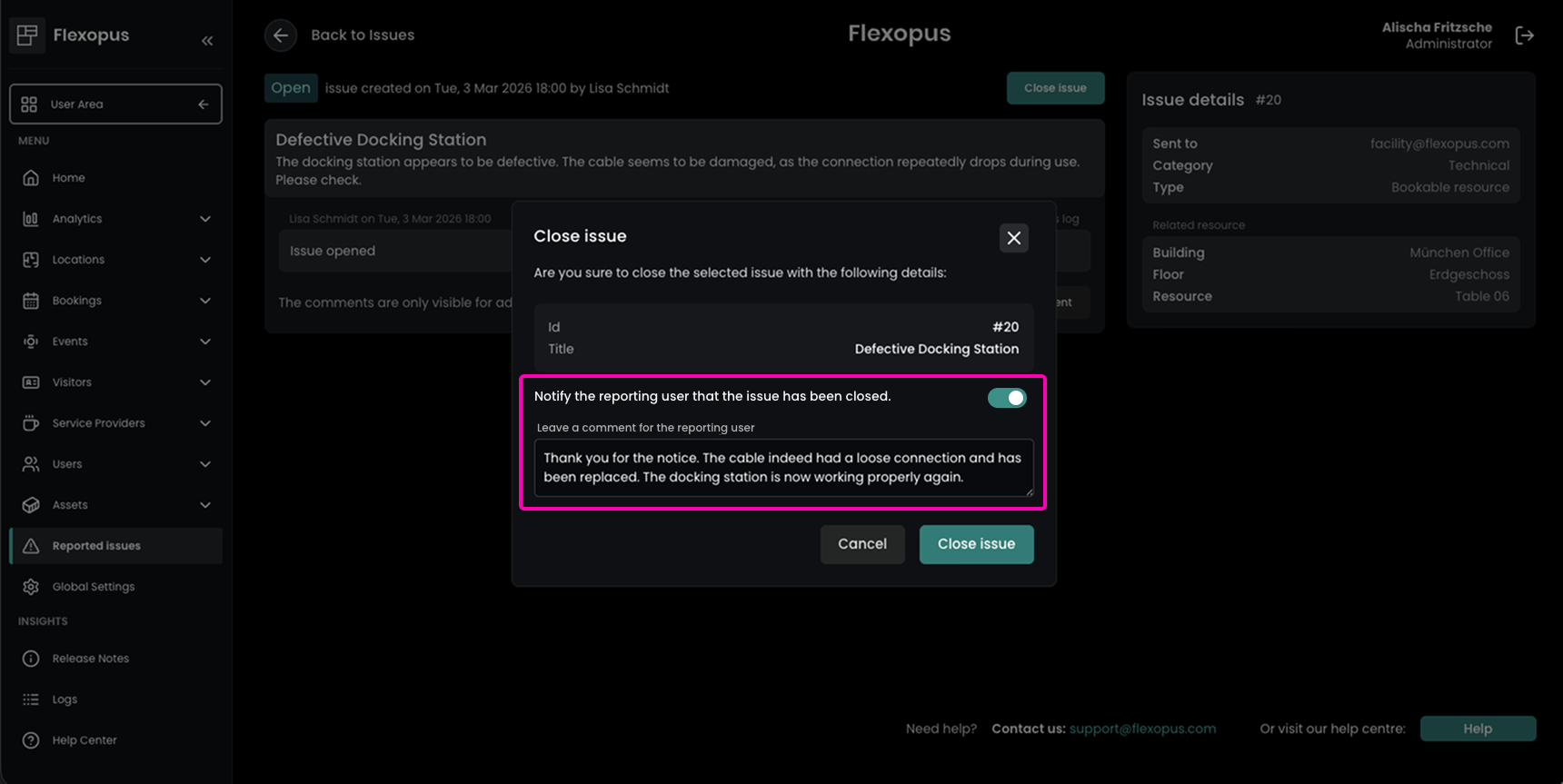
Improvement Cleaner, Optimized, and Smoother User Experience
As part of our ongoing effort to simplify and optimize the Flexopus application, the user area has received updates to enhance usability across the browser, iOS, Android, and Teams applications. The profile settings have been refreshed and streamlined, making it easier for users to navigate, view information, and update their preferences efficiently. In addition, we’ve made small but meaningful improvements throughout the area to improve clarity, readability, and overall user experience. These updates give Flexopus a fresher, cleaner look while keeping the familiar functionality users know and trust.
Enhancement Transparent Issue Resolution Updates for Better User Communication
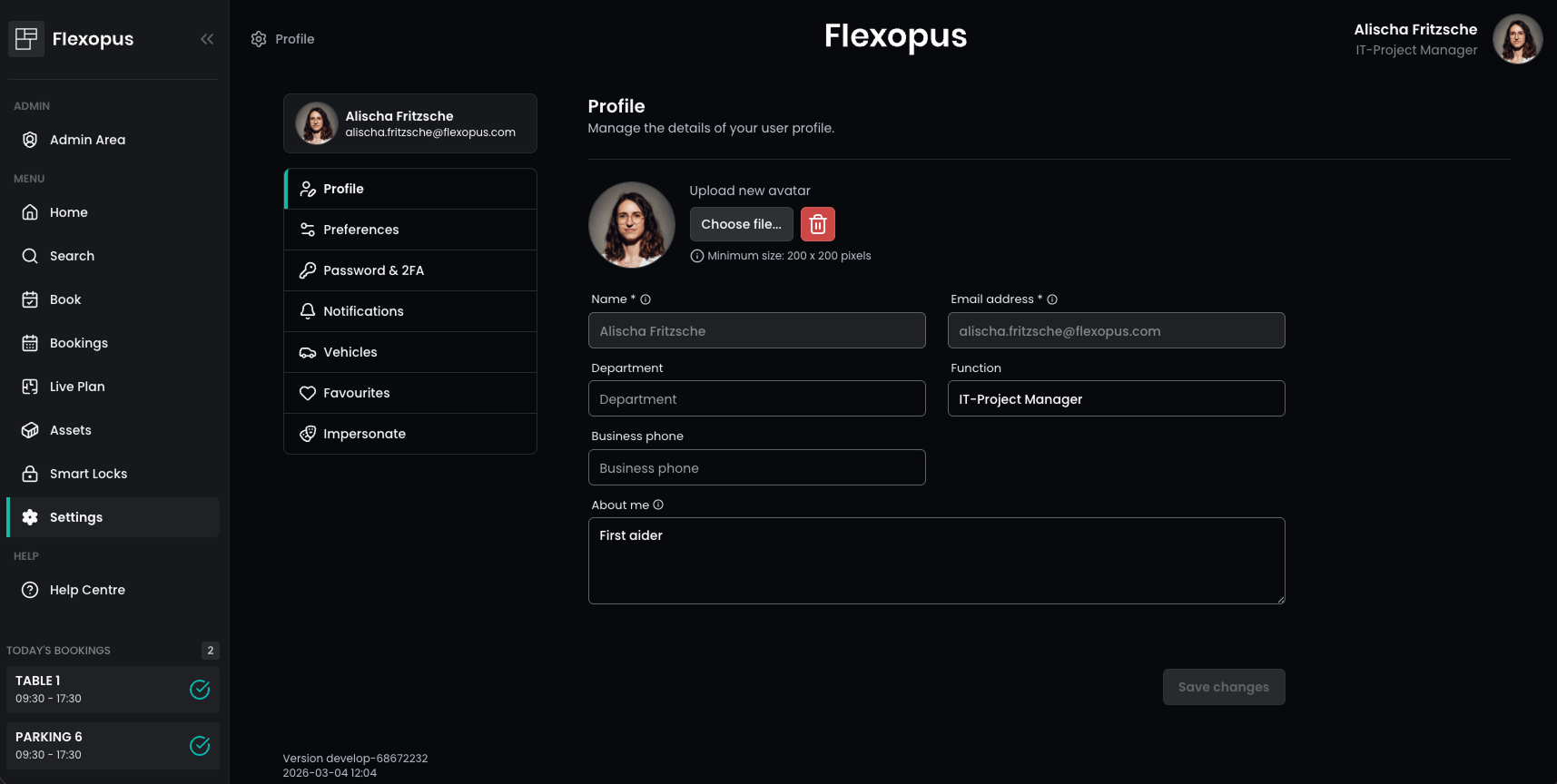
Administrators can now notify users when a reported issue—whether for resources or assets — has been resolved. This ensures that users who submit issues are reassured that their feedback has been addressed.
When closing an issue, administrators can optionally include a custom message to provide additional context, such as steps taken to resolve the issue. This feature improves communication and enhances transparency. Notifications are sent directly to the user’s email associated with their Flexopus account.
Improvement Clearer Team Availability Insights via HRIS
The visual display of absences in the absence list has been improved. It is now clearer to see the exact duration of a colleague’s absence, showing from when to when each user will be unavailable. This enhancement helps users quickly understand team availability and plan bookings or meetings more efficiently.
Correction Consistent SCIM Group Synchronization
An issue with the SCIM API where groups were not added to certain users has been resolved. The problem was that users were deleted in Flexopus, but SCIM thought that the users exists in Flexopus. This way, the sync of the group stopped and ended in an error state. Now we prevent the manual delete of the users, which are synced through SCIM. The users need to be removed through SCIM. Group assignments now sync correctly, ensuring consistent user permissions and access.
Flexopus Visitor
Enhancement Automated Visitor Summaries for Better Facility Planning
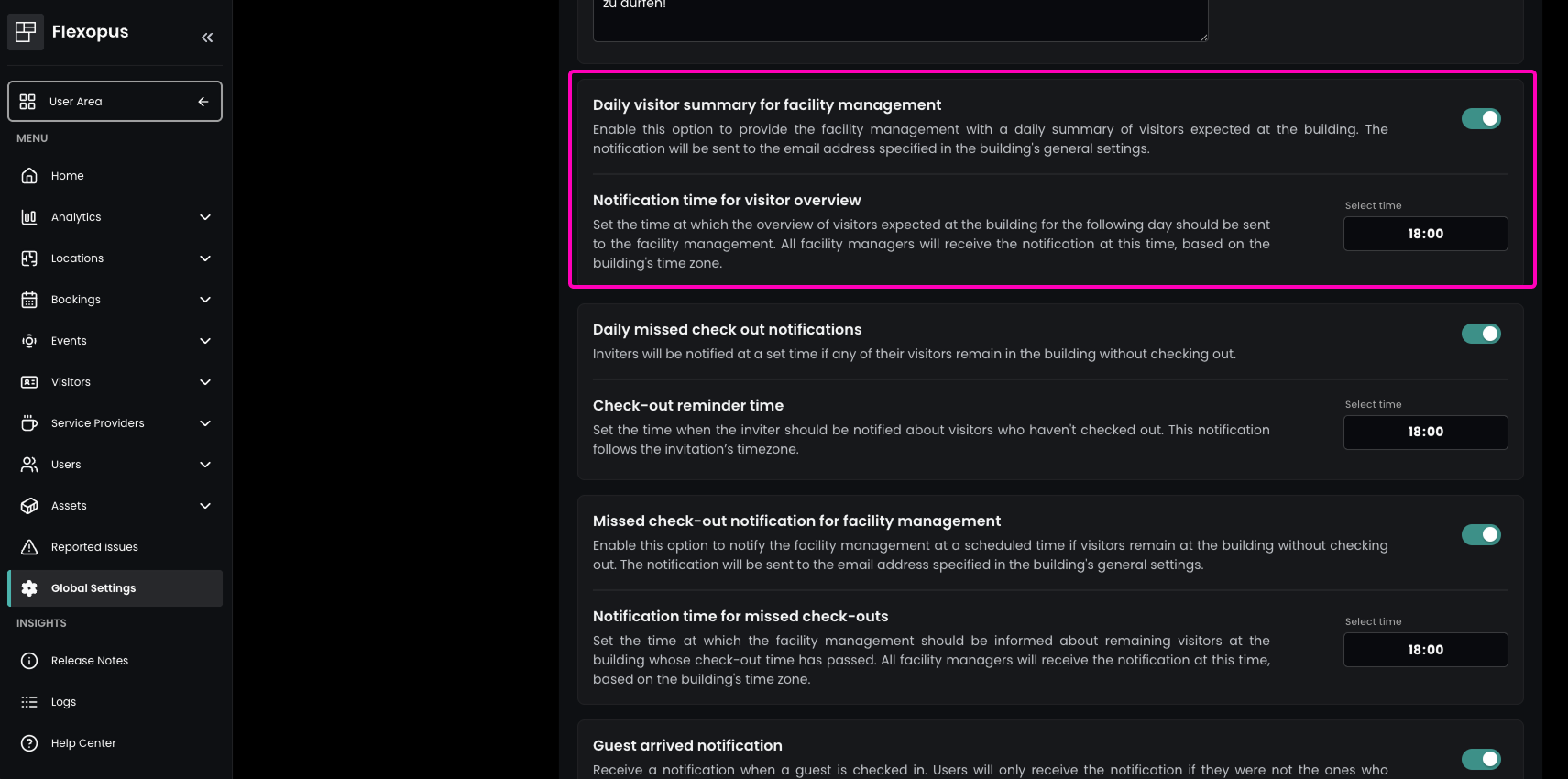
Flexopus can now automatically keep your facility management team in the loop about upcoming visitors. When enabled, a daily summary of all visitor bookings for each building is sent directly to the facility management email, helping teams stay prepared and organized.
This feature can be activated in the Admin Area under Global Settings → Visitor and Guest Management → Daily visitor summary for facility management. The specific time for the daily notification can be set under Notification time for visitor overview, and the facility management email addresses can be configured under Locations → Buildings → Settings → Facility management email. This ensures your team always knows who is expected in the building, allowing for smoother check-ins and better coordination.
Enhancement Streamlined Event & Visitor Invitations in One Central Workflow
Flexopus now seamlessly combines Event Management and Visitor Management, making it easier than ever to invite external guests as part of an event. Guests attending your company for an event can now be managed and invited directly within the event workflow — significantly speeding up the invitation process, especially for larger groups.
This creates a centralized, and highly efficient process for managing both internal participants and external visitors in one place. Event organizers save time, reduce administrative effort, and ensure that all guests receive a proper and compliant visitor invitation.
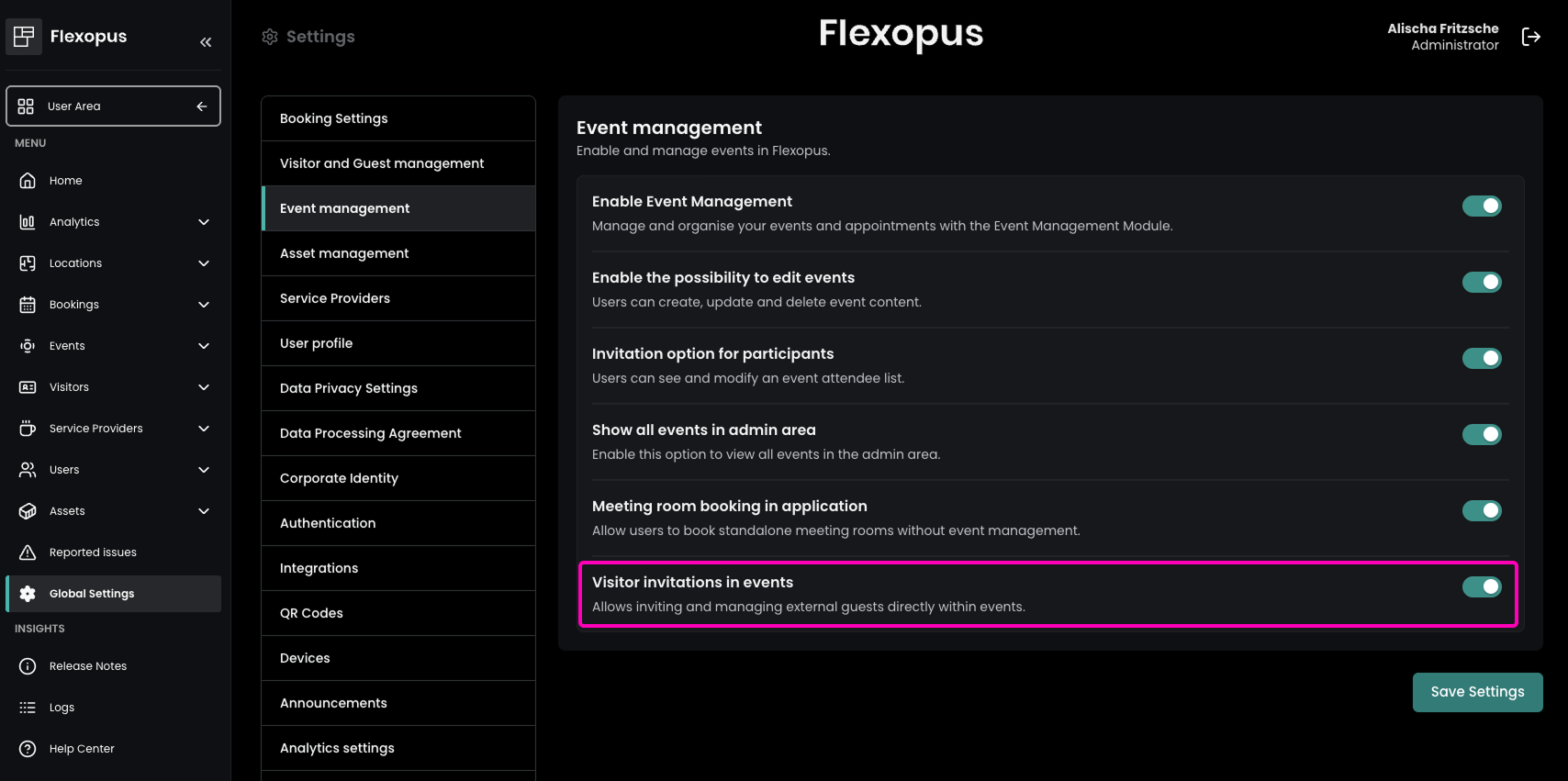
To activate this feature, administrators can enable Visitor invitations in events under Global Settings → Event Management.
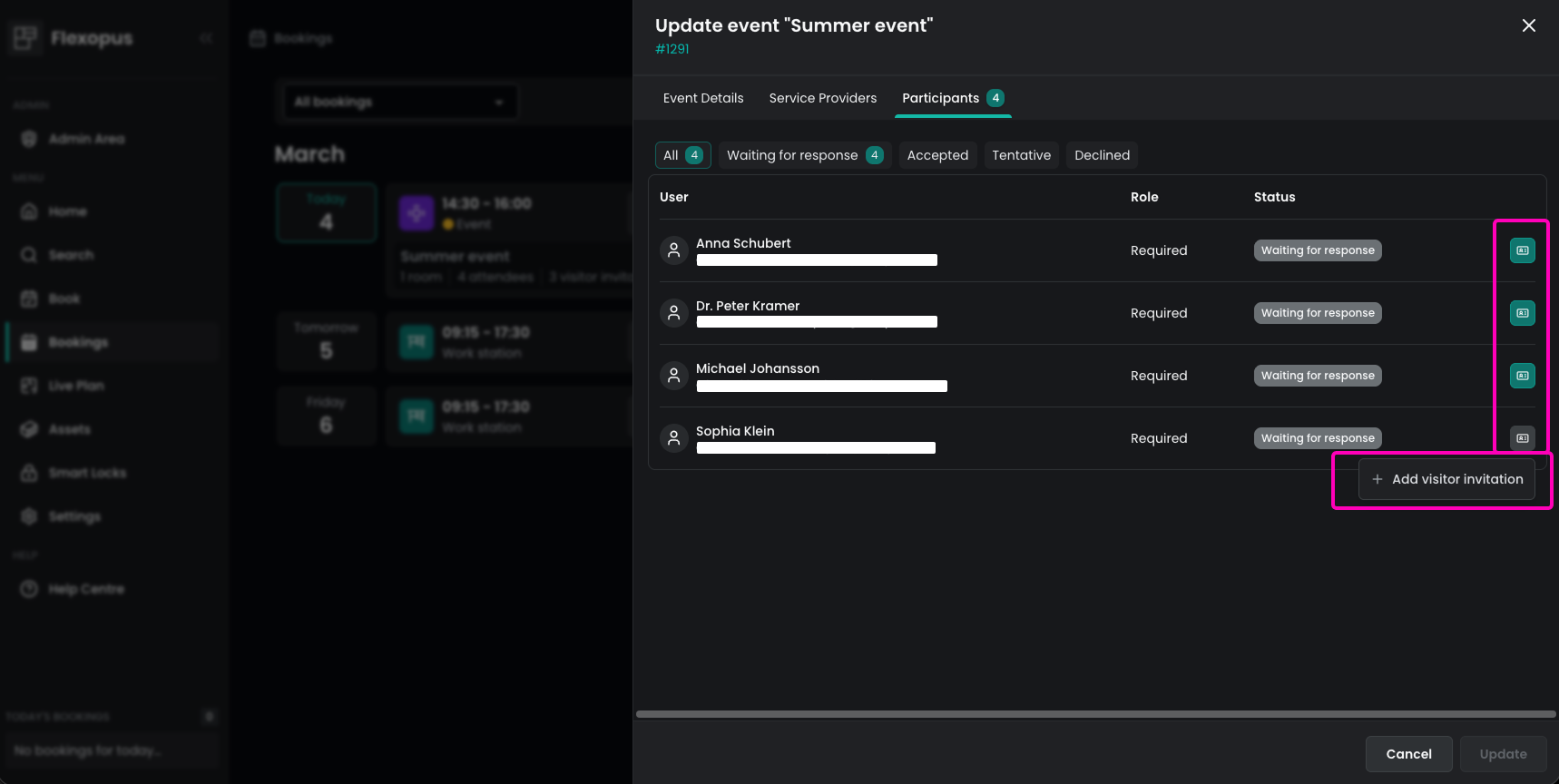
Once enabled, organizers can invite both colleagues and external guests when creating an event. In the Participants tab of the event, they can easily define who should receive an official visitor invitation and who does not require one — for example, if the person has already been invited through another channel.
This enhancement delivers a smoother event experience and better coordination.
Flexopus Assets
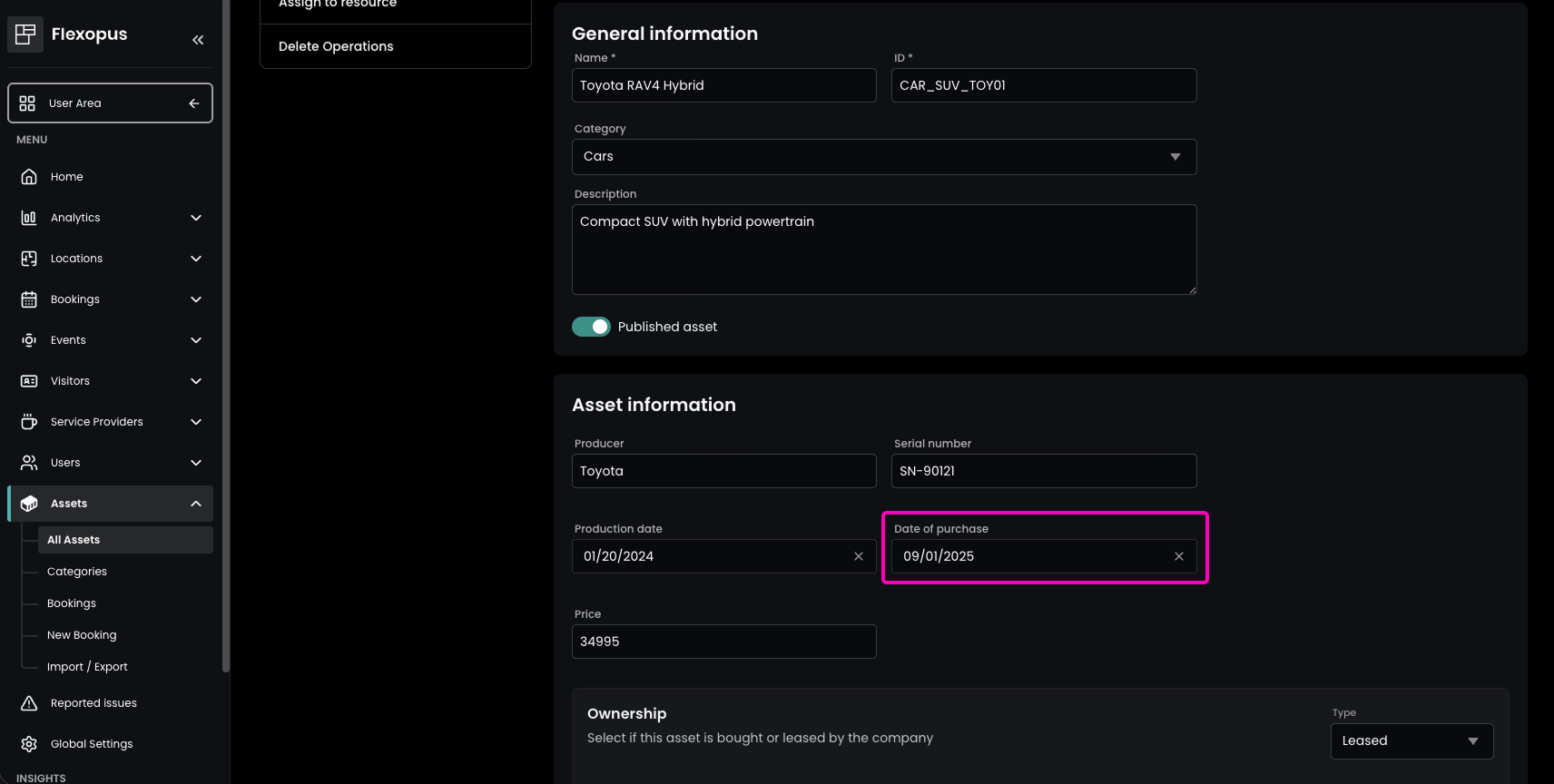
Enhancement Asset Purchase Date Tracking for Enhanced Financial Control
Administrators can now record the purchase date for each asset, providing a clearer overview for accounting, depreciation tracking, or inventory management. The buying date can be entered in the Admin Area under Assets → All Assets, by editing the desired asset and navigating to Global Settings → Asset Information. This information is also included in XLSX and CSV exports under Assets → Import / Export, allowing further data processing.