Microsoft Teams for Users

STEP 1 - Install Flexopus in your Microsoft Teams
The Flexopus application is published as an official application in the Microsoft Teams Store. You can click here, or you can search for the integration directly in your teams by clicking on the Apps and search for Flexopus.
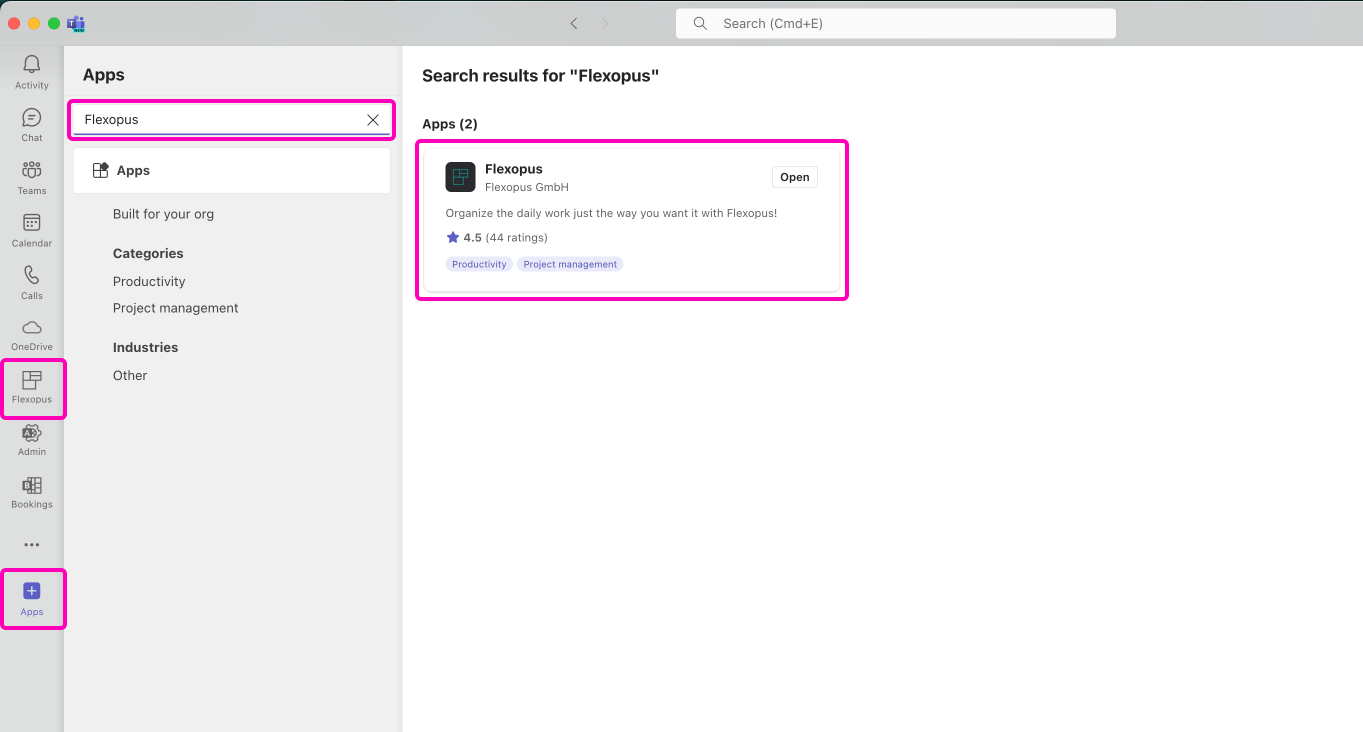
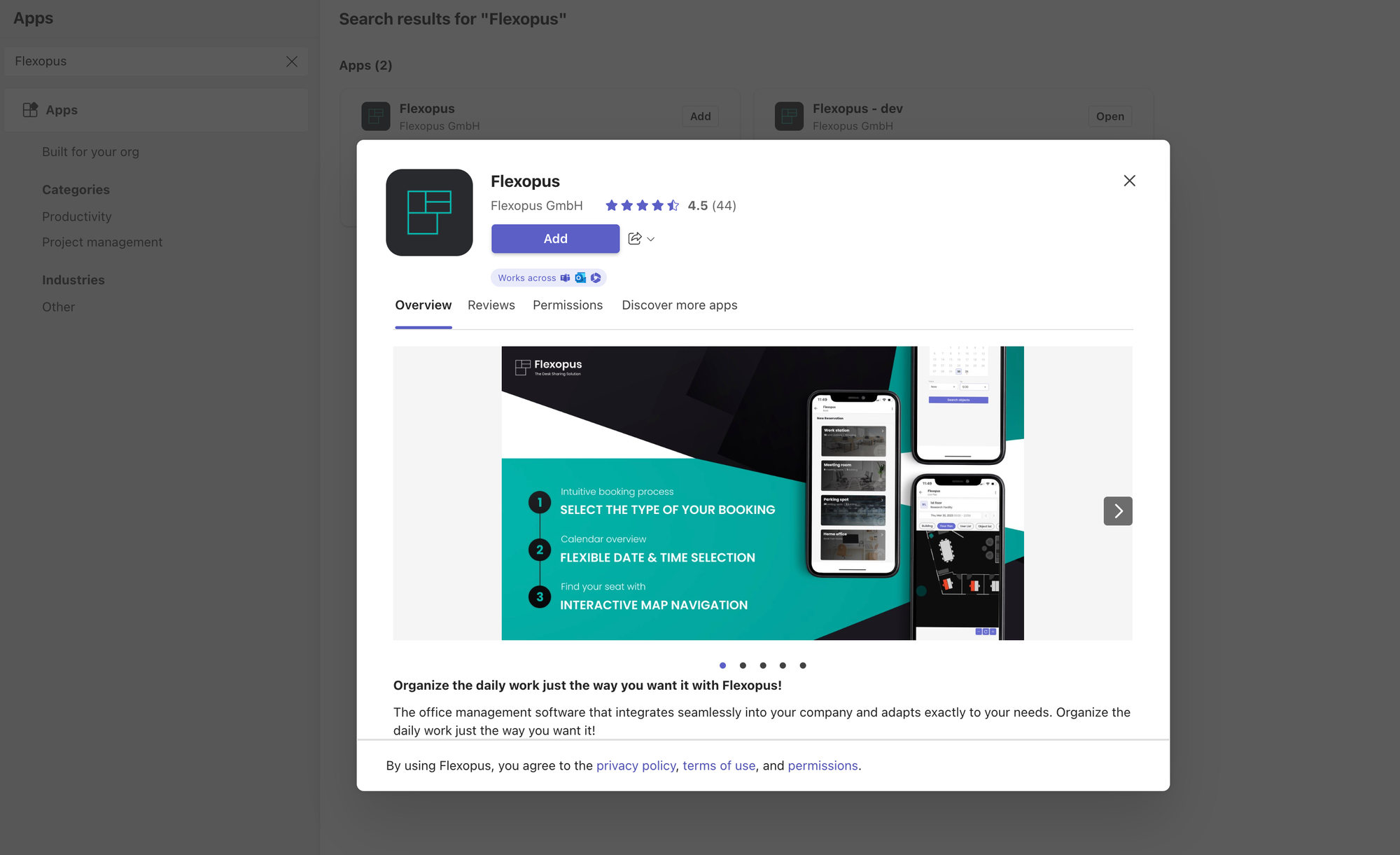
Once you have added Flexopus to your teams, you can open the app and connect to your Flexopus account.
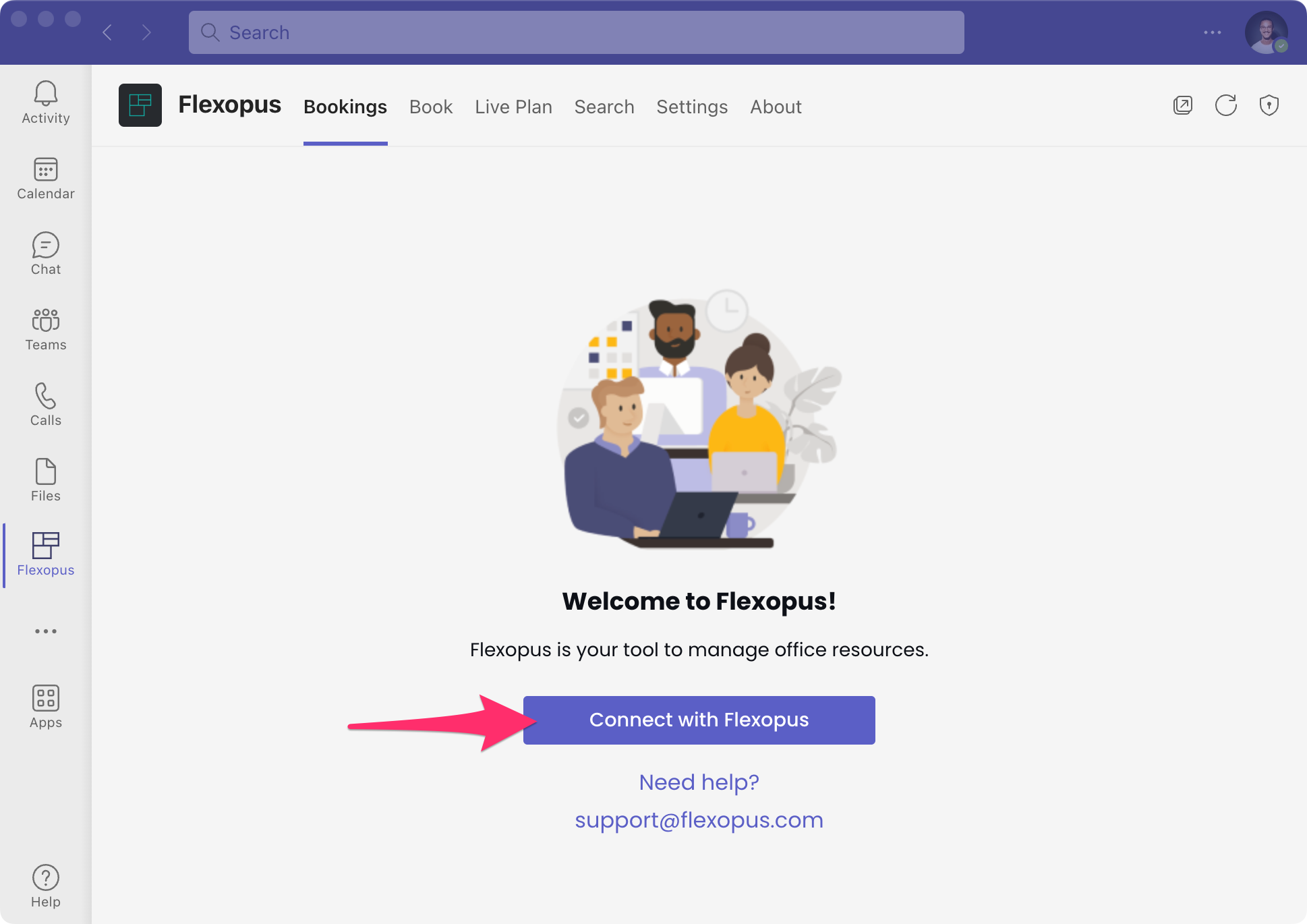
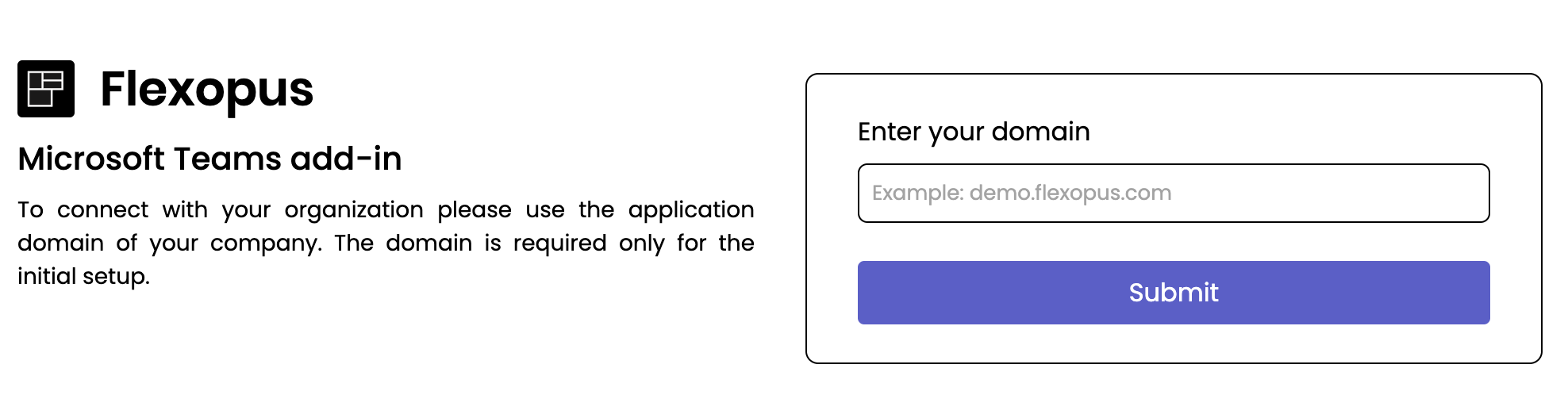
To do this, enter your Flexopus company URL, such as company.flexopus.com, and then log in with your Flexopus credentials.
Trouble Shooting & FAQ
Which URL should I enter? "Enter your domain"
You can enter basically the same URL that you use when you open Flexopus in your browser. If you don't know which URL it is, ask a Flexopus administrator of your organization.
Browser redirect to Teams not working?
Simply copy the long token displayed in the browser window after you've successfully signed in, paste it into the corresponding field in the Microsoft Teams app, and click Connect.